


























.webp)

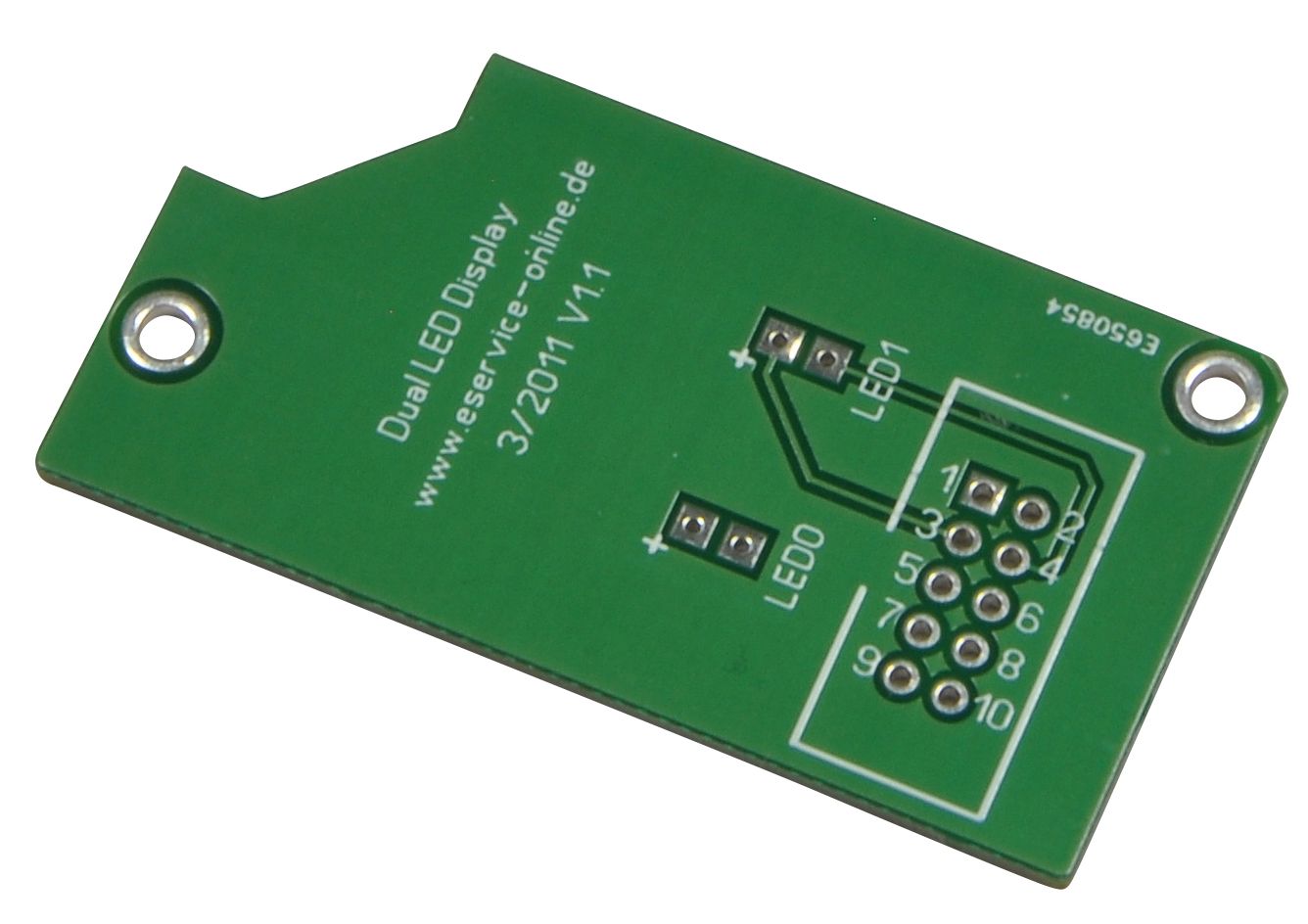
Dual LED display board

| Quantity | Unit price |
|---|---|
| 1 to 49 |
€4.90*
|
| 50 to 99 |
€4.66*
|
| From 100 |
€4.41*
|
Overview
Description
1-Wire Dual Display Board
Designed for mounting two 3mm or 5mm display LEDs inside the 32mm DIN rail housing art. no. 94002. For the electrical connection to the motherboards, a post plug for ribbon cable is provided. The board is fastened in the upper part of the top-hat rail housing with two screws.
The board can be combined with the following ESERA boards:
1-Wire Dual S0 Counter, Art.No. 12004
1-Wire Dual Switch Module, Art.No. 12001
1-Wire Dual Digital Input, Art.No. 12000
1-Wire 3-fold analog input, Art.No. 12010
1-Wire Dual Reed Contact, Art.No. 12009
Dimensions: 55 x 29 mm
Design: double-sided printed circuit board, industrial design
Scope of delivery: unassembled printed circuit board, without components and screws
Installation: Designed for DIN rail housing
Dimensions: 65 x 55mm (WxH)
Scope of delivery: Unassembled industrial quality board without components or housing. Building instructions per download
Further information, like program examples, data sheets or drivers can be found in our download area
Login
| Device Documentation | Operating instructions, connection diagram, conformity, ... |
| Info Material | Product catalogue, Brochures |
| Technical Downloads | Software & co. |
| Worth knowing | Wikis, entries, tutorials |